Kinds of values
The kind decides how you log something and what Stats can show for it. Pick it with care, because it cannot be changed later.
Updated

Number
A counter you raise and lower with + and −, in whole steps from 0. Good for cups of coffee, glasses of water, pills or meals.
A Number takes no decimals and no typing. For something like weight, use a Scale with a small interval.
Yes/No
A yes or no switch. Good for questions you answer with yes or no: did I exercise, did I have a headache, did I take my medication. Stats shows on how many days the answer was yes and your longest runs of yes and no.
Scale
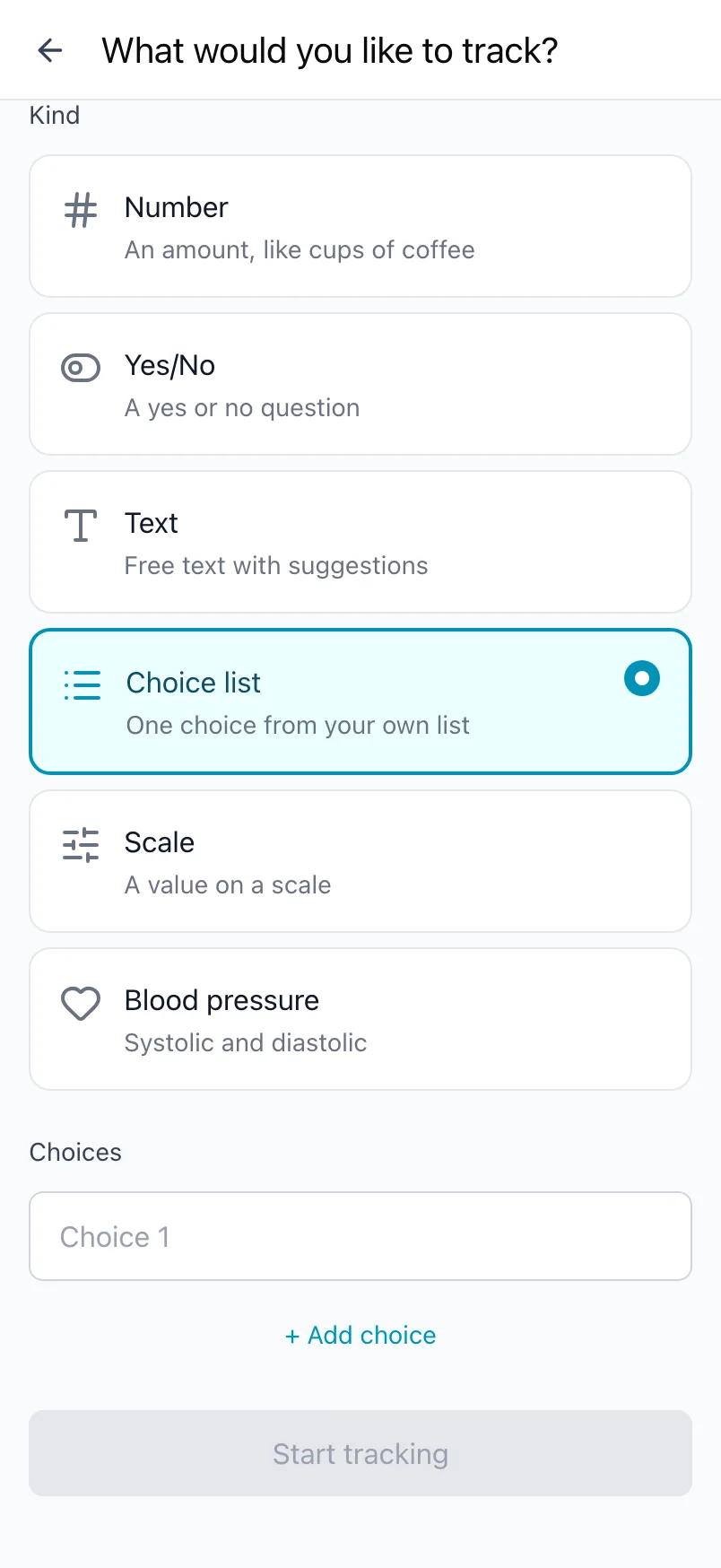
A slider between two values. You set From, To and the Interval it snaps to. Some examples:
| What | From | To | Interval |
|---|---|---|---|
| Sleep hours | 0 | 12 | 0.5 |
| Energy or mood | 1 | 10 | 1 |
| Weight in kg | 50 | 120 | 0.1 |
| Minutes of exercise | 0 | 120 | 15 |
From must be lower than To, and the range must be divisible by the interval.
Choice list
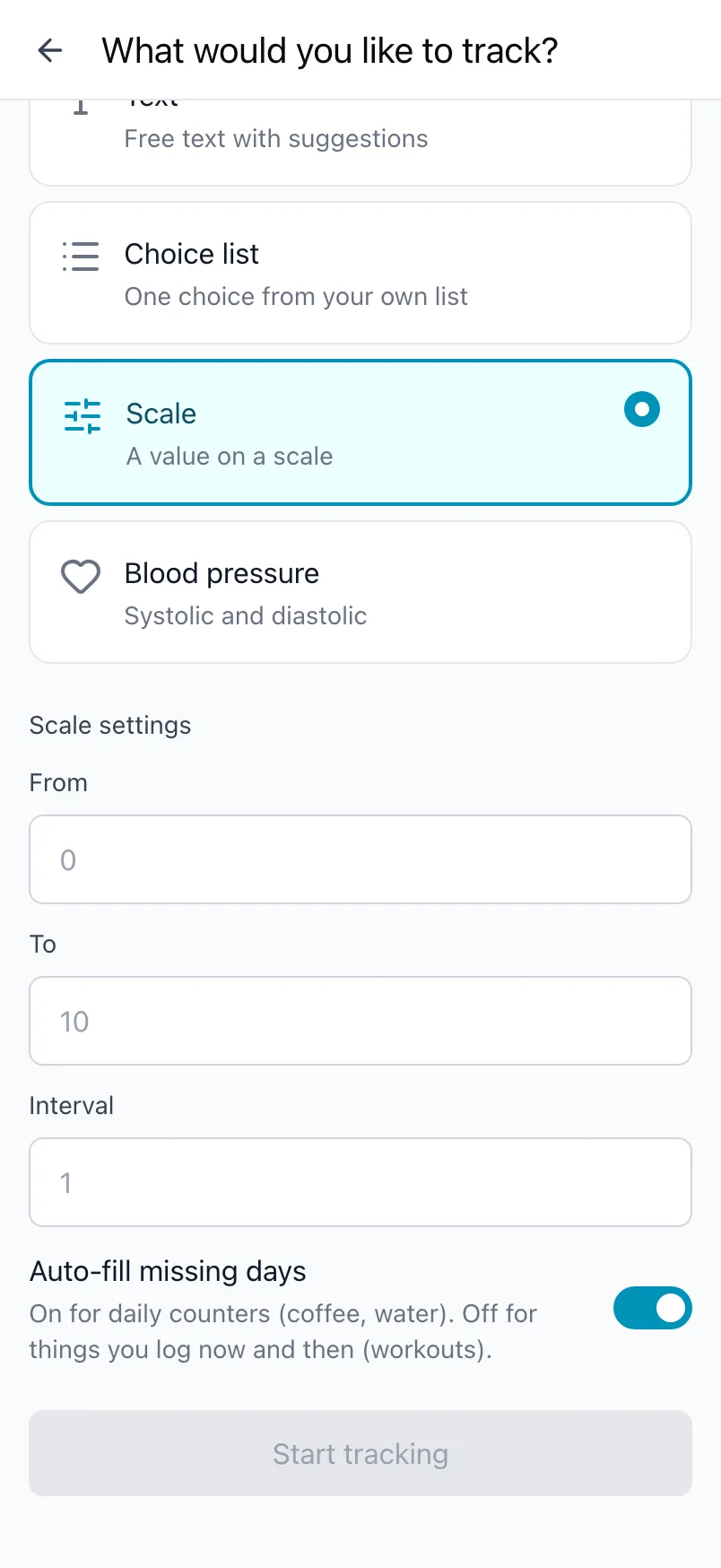
One choice from a list you make yourself, such as Great, Good, Okay and Low for your mood, or the kind of workout you did. Add as many choices as you like with + Add choice; you need at least one. Stats shows how often each one came up.
Text
Free text for anything that does not fit a number or a list, such as what you ate or a few words about the day. Switch on Use suggestions and Loggr offers what you typed before, so the same answers stay the same words. Stats shows the most frequent values.
Blood pressure
Two numbers in mmHg: the top number (SYS) and the bottom number (DIA). Stats shows your latest reading, your averages and how your readings classify, from Low to High.
Auto-fill missing days
Number and Scale have the option Auto-fill missing days, which is on by default. On a day where you logged other things but not this one, Loggr counts it as 0 for a number, or as the lowest value for a scale.
Keep it on for daily counters, such as coffee or water, where not logging means none. Switch it off for things you log now and then, such as a workout; those days then stay out of its stats.
Frequently asked questions
Which kinds of values are there?
Loggr has six kinds:
- Number: a counter you raise and lower with minus and plus, in whole steps from 0. Good for cups, glasses or pills.
- Yes/No: a yes or no switch. Good for did I exercise or did I have a headache.
- Scale: a slider between two values with a step you choose, for example 0 to 12 in steps of 0.5 for sleep hours, or 1 to 10 for mood.
- Choice list: one choice from a list you make yourself.
- Text: free text, with suggestions from what you typed before if you switch them on.
- Blood pressure: the top (SYS) and bottom (DIA) number in mmHg.
Settings, Kinds of values explains each one in the app.
Can I log a number with decimals, like my weight?
A Number counts in whole steps from 0, so it does not take decimals. Use a Scale instead: set From and To around your range and choose an Interval such as 0.1 or 0.5. The slider then snaps to those steps.
The range has to be divisible by the interval, for example 50 to 120 in steps of 0.5.
What does Auto-fill missing days do?
Number and Scale have the option Auto-fill missing days, which is on by default. On a day where you logged other things but not this one, Loggr counts it as 0 for a number, or as the lowest value for a scale.
Keep it on for daily counters such as coffee or water, where not logging means none. Switch it off under Edit tracker for things you log now and then, such as a workout. Days without a value are then left out of its stats.