
Log your day
Today is where you log. Log what you track in a few taps; there is no Save button, because every change is saved as you make it.
Updated

Log what you track
Open Today. Each kind has its own control:
- Number: tap + or −.
- Yes/No: flip the switch.
- Scale: drag the slider. It snaps to the interval you set.
- Choice list: tap the value and pick from the list.
- Text: type in the box. With suggestions on, Loggr offers what you typed before.
- Blood pressure: type the top (SYS) and bottom (DIA) number.
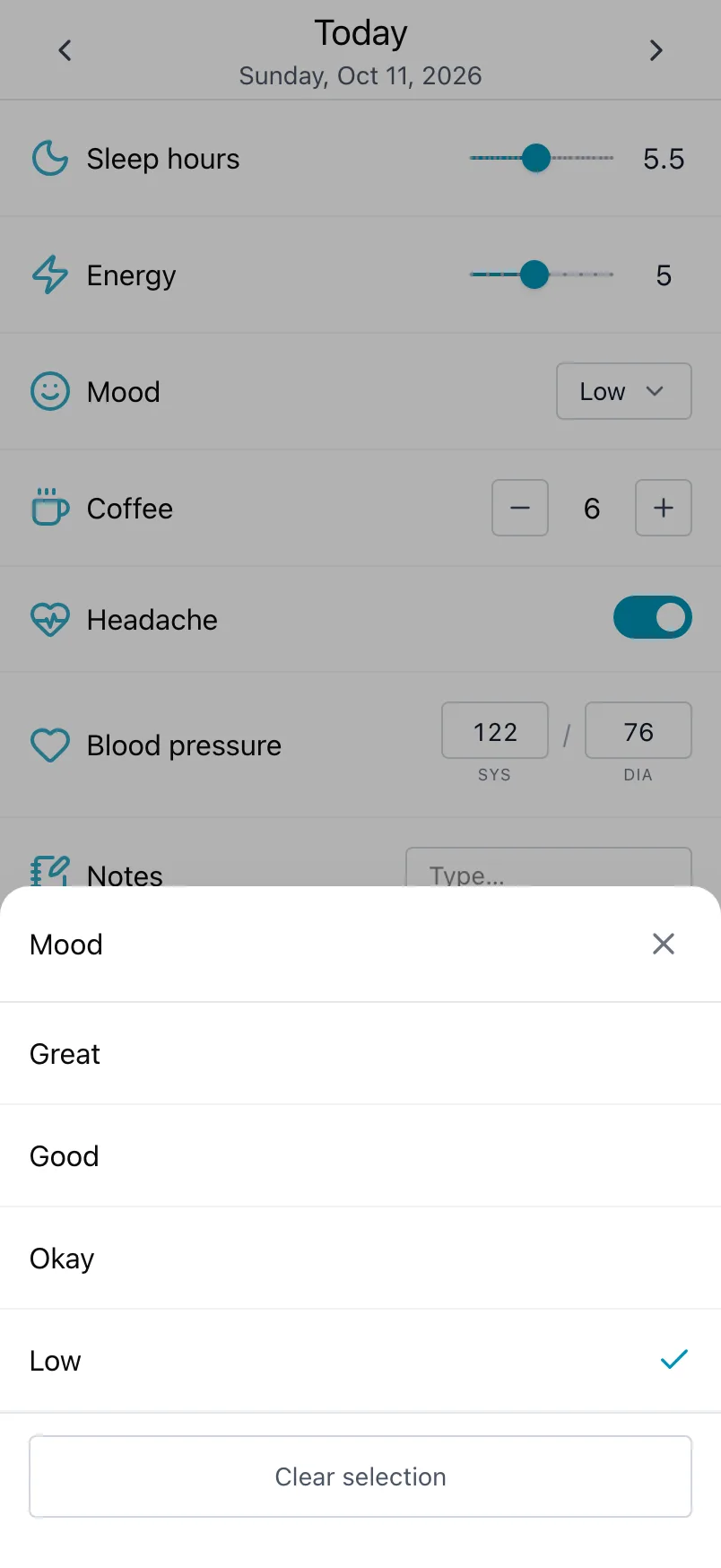
Every change is saved straight away. If saving fails, Loggr tells you and puts the old value back, so you can try again.
Log a day you missed
Use the arrows next to the date at the top of Today to go back a day at a time. To jump further, tap the date and pick the day in Choose a date. Go to today brings you back to today.
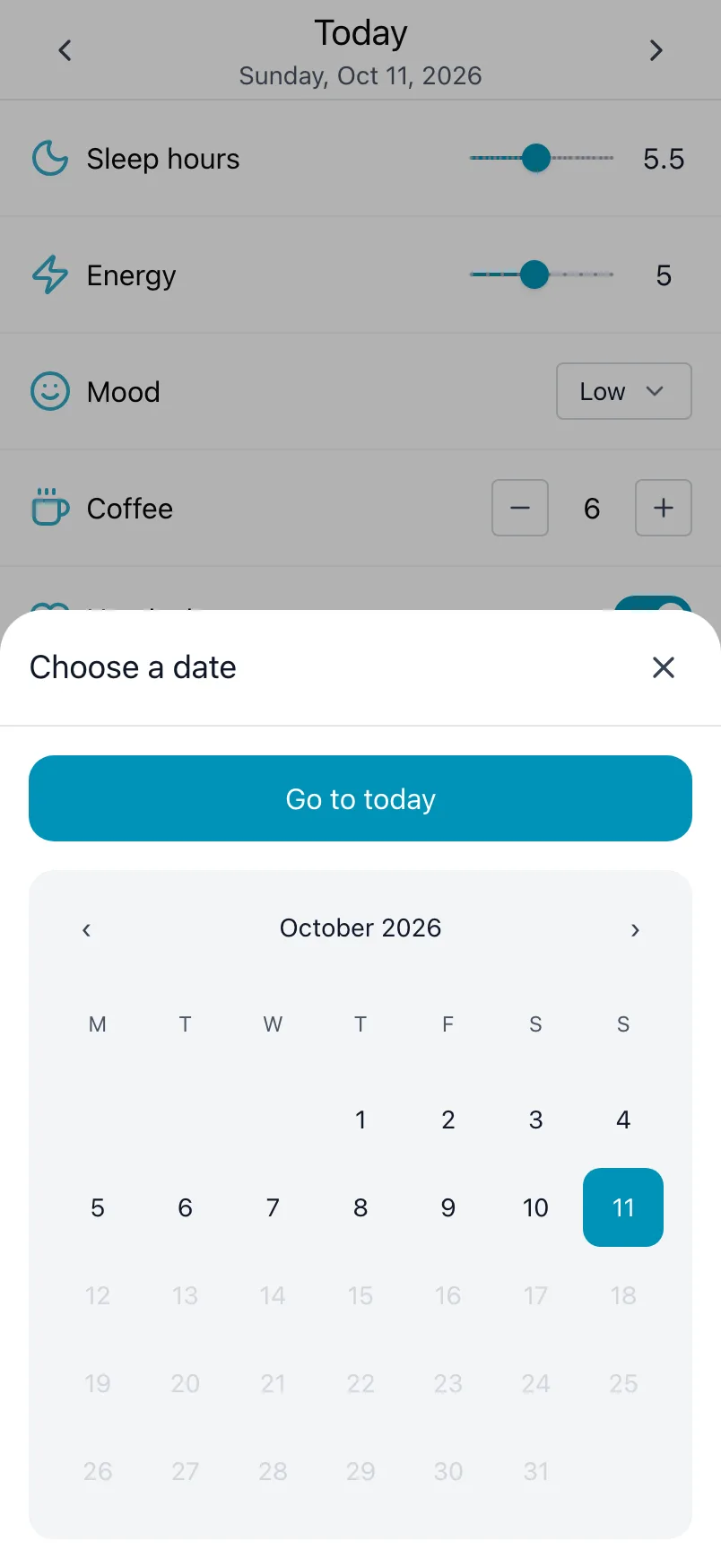
You can also tap a day in Timeline to open it on Today.
Remove a value
Changed your mind, or logged on the wrong day? Clear the text of a Text tracker, clear the choice of a Choice list, tap a number back to 0 or switch a Yes/No off. The change is saved at once.
Notes
Loggr has no separate notes. Add a tracker of the kind Text called Notes, and it sits on Today with everything else you track. Over time Stats shows which notes come up most.
Make it a habit
A daily reminder at the time you usually wind down helps you log every day. The more days you log, the sooner insights appear.
Frequently asked questions
How do I log my day?
Open Today and log your values: tap plus or minus on a number, flip a switch, drag a slider, pick a choice, type text or type your blood pressure.
There is no Save button. Every change is saved as soon as you make it. If saving fails, Loggr tells you and puts the old value back, so you can try again.
How do I log a day I forgot?
On Today, use the arrows next to the date to go back one day at a time. To jump further, tap the date, pick the day in Choose a date and log as usual. Go to today brings you back.
You can also tap a day in Timeline to open it on Today.
How do I remove a value I logged by mistake?
It depends on the kind:
- Text: clear the text.
- Choice list: open the list and clear the choice.
- Number: tap minus back to 0.
- Yes/No: switch it back off.
The change is saved straight away.
Can I add a note to a day?
Loggr has no separate notes. Add a tracker of the kind Text, for example Notes or What happened, and it shows up on Today like everything else you track. Switch on Use suggestions if you often type the same things.